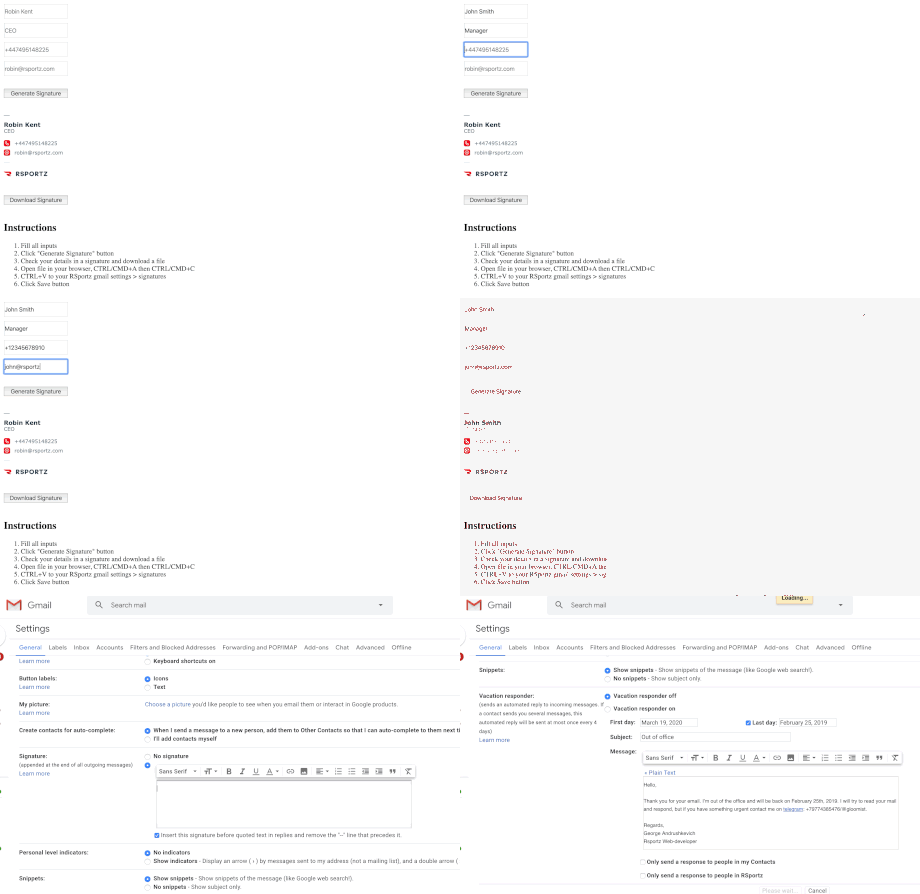
- Fill all inputs
- Click "Generate Signature" button
- Check your details in a signature and download a file
- Open file in your browser, CTRL/CMD+A then CTRL/CMD+C
- Go to your RSportz gmail settings > signatures
- Hit Enter one time to create an empty line, then CTRL/CMD+V to paste your signature
- Check "Insert this signature before quoted text ..."
- Click Save button
Instructions